3.3.3 Exposure Scanner
3.3.3.1 Exposure Scanner Overview
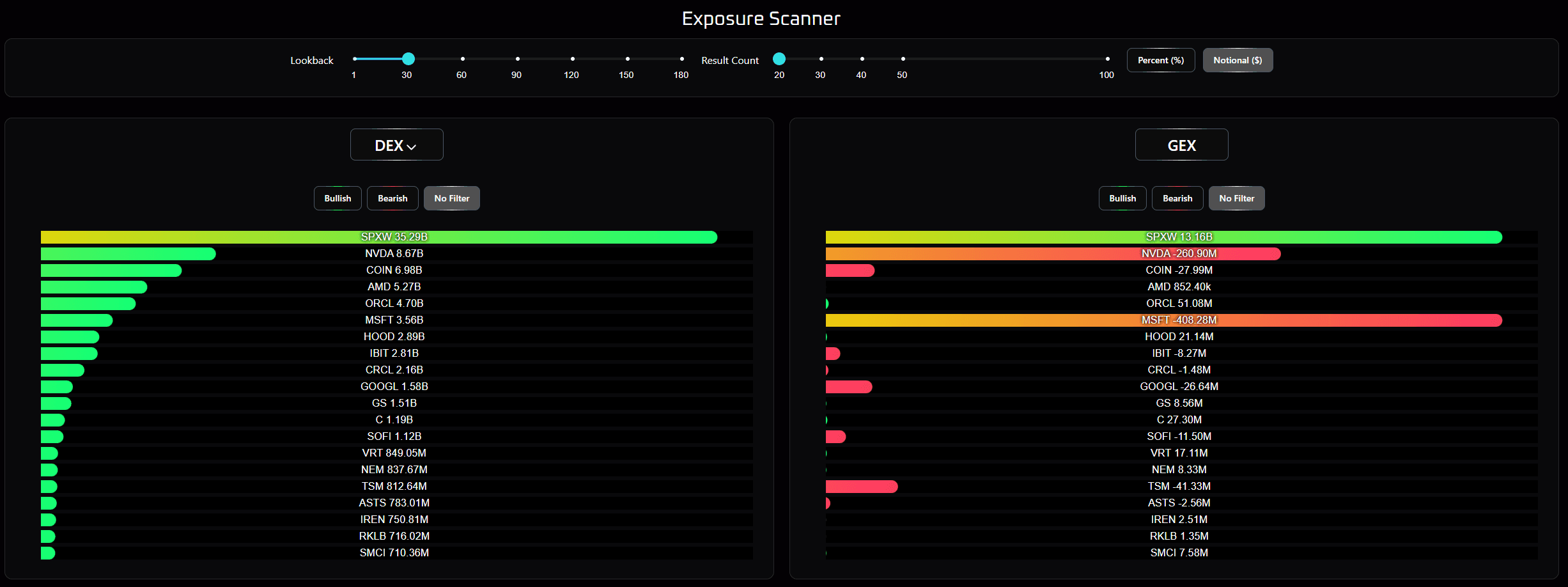
The exposure scanner provides tools to search through stocks that have had significant changes to either the total delta exposure (DEX) or gamma exposure (GEX) on its option chain. Significant changes can indicate that market perception for the ticker has materially changed, and because options are forward looking bets, can provide a timely suggestion of an upcoming move in underlying price.
3.3.3.2 Top Controls
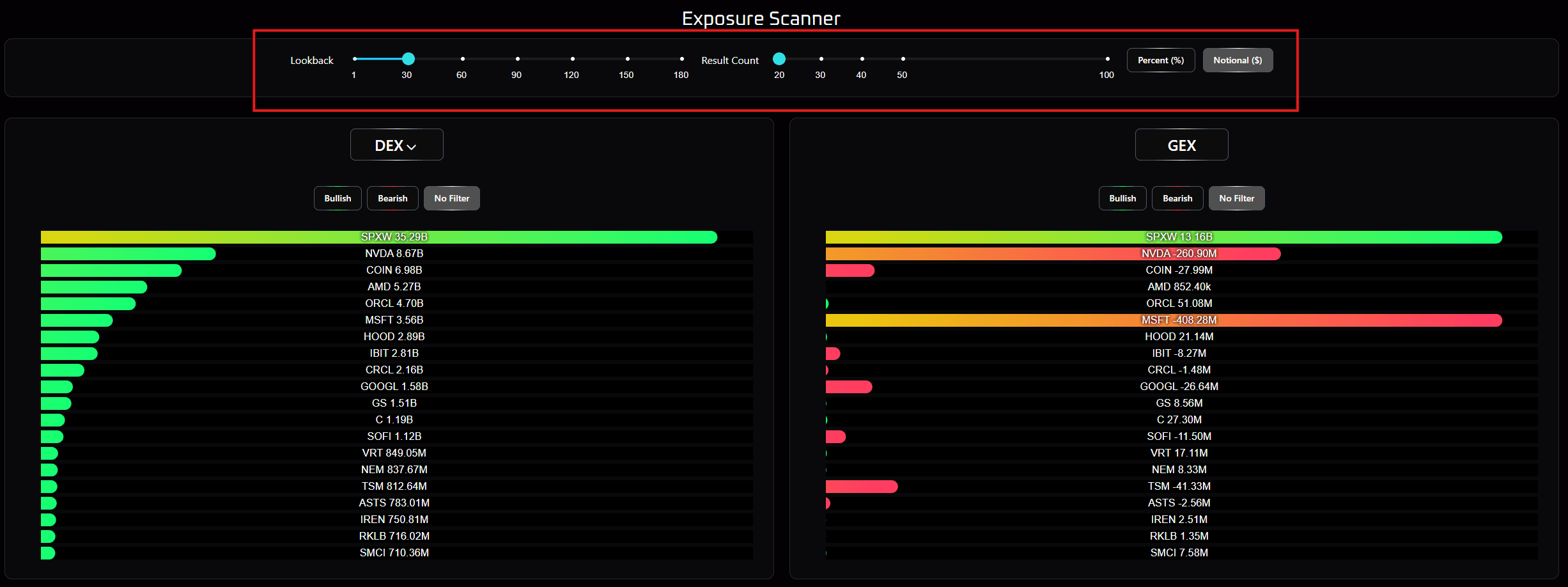
The top grouping of controls allows you to specify the number of days historically to compare the current values, the number of stocks listed, and whether they will be presented as changes in percent terms or in notional value terms. The Lookback slidebar lets you determine how much DEX or GEX has changed over an x day period, which is useful in searching for market dynamics with differing timescales. For example, low and steady long term increase in DEX on a stock indicates a stock the market regards as a safe bet that is gaining popularity in the market (either bullish or bearish!). DEX that has dramatically increased in percent terms over a few days is an indication that some major event has happened and participants are quickly piling in to capture that news. Large increases in GEX over a short time period indicates that people are positioning for a very short term move, and fast decreases indicates that the move may be over and price may revert to mean as option leverage expires. Toggling between percent and notional essentially toggles between megacap and smallcap names, as large companies and indices have massive options chains where a large change in notional value is a fleeting move in percent terms, and small changes in notional values on smallcap names can translate to massive percent changes.
3.3.3.3 DEX/GEX Filters
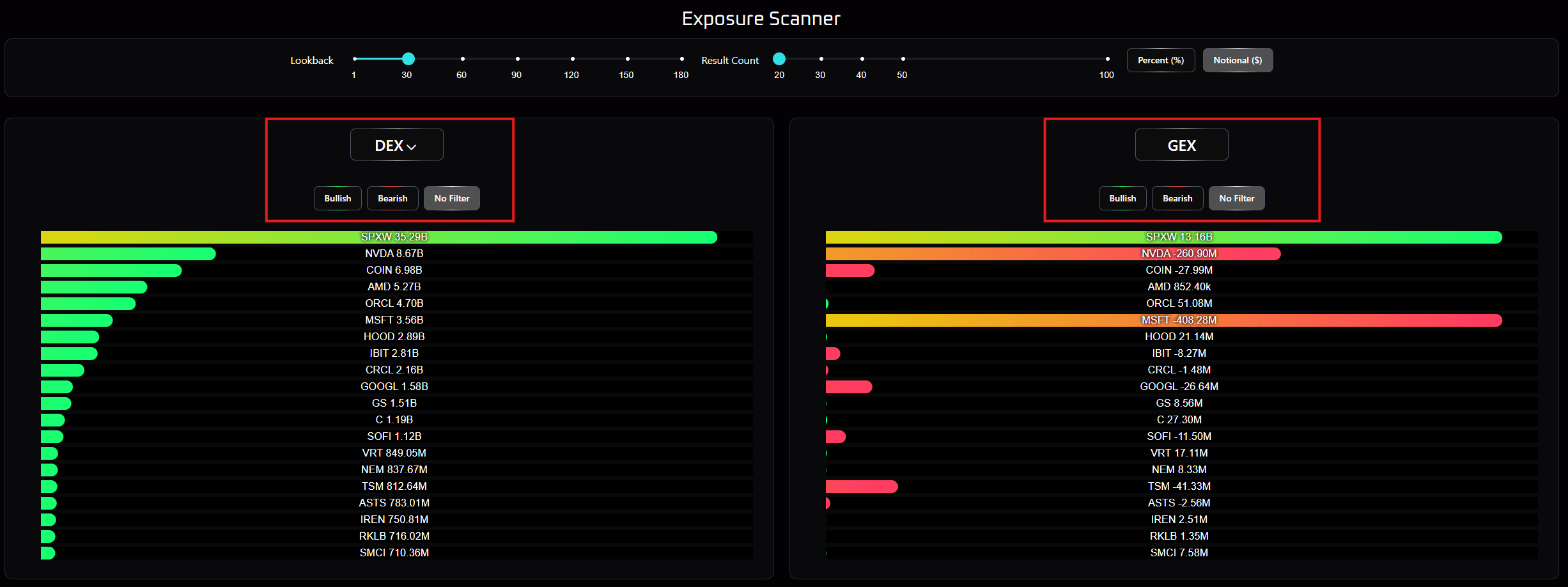
Clicking on the DEX or GEX button sorts both lists by that quantity, either ascending (up arrow) or descending (down arrow). By default, there is no additional filter applied, so, for example, toggling the direction of the sorting shows either the largest positive change in DEX/GEX or the largest negative change in DEX/GEX. The Bullish filter removes all negative changes, and the Bearish filter removes all positive changes. For example, ascending sort with the Bullish filter will show you the stocks with the smallest positive changes in DEX/GEX. Descending sort with the Bearish filter will show the stocks with the smallest negative change in DEX/GEX.
Taken together, this tool provides a way to quickly see how market interest is evolving for both large and small chains, and prioritizing either very large or very small moves over time.